

Get Casushi App for Optimized Gaming on iOS and Android
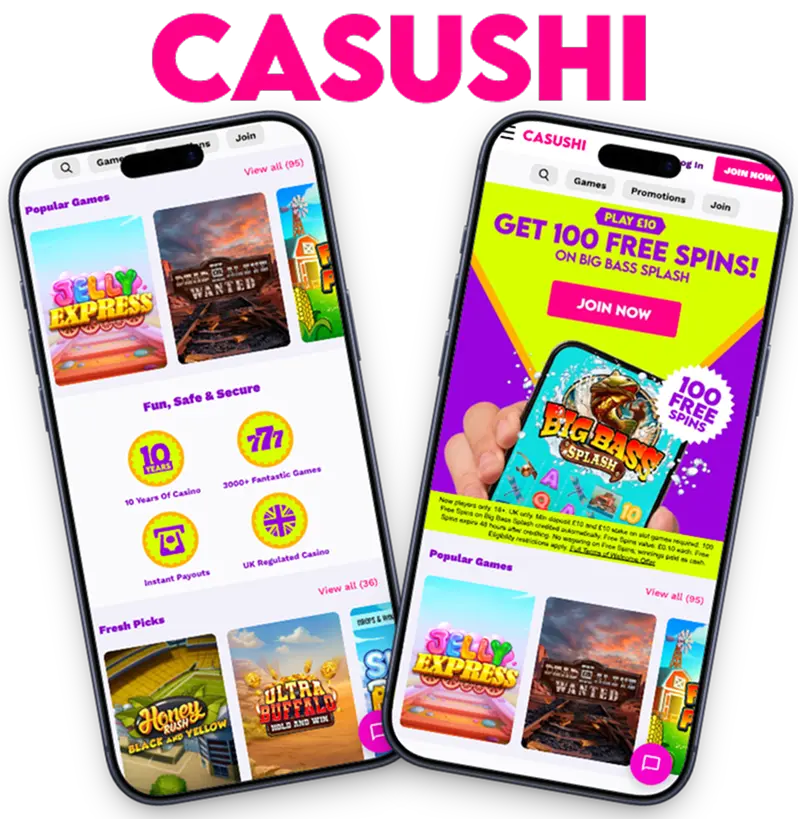
The Casushi mobile app is bringing unmatched mobile gaming to UK players. Licensed by the UK Gambling Commission, Casushi is offering 3000+ games via a mobile app that works on Android and iOS. Whether you are playing slots, tables or live dealer games, the mobile app of Casushi elevates your gaming sessions, bringing large tap targets, one-hand use,and quick filters for easy navigation.
The best part is that Casushi mobile can perform all functions like our website. You can create accounts, verify and start making deposits, all from your phone.
Mobile App Interface and Key Features
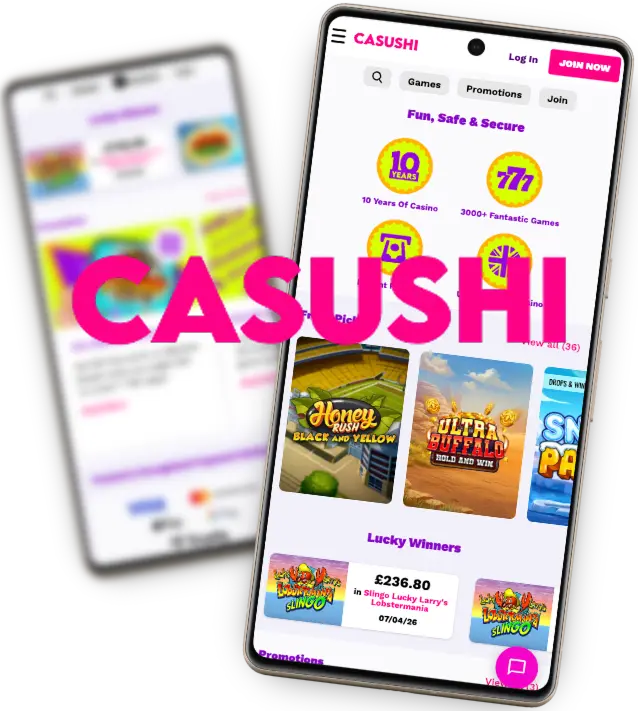
Casushi Casino mobile app interface is built for easy navigation, despite its smaller screen on a phone. Our mobile app also has:
- Faster load times for slots and live casino games than our website.
- Search tab that allows you to navigate over 3000 games using filters like game types or providers.
- Better performance as our mobile app is optimised to work smoothly on 5G. However, game titles still load fast on 4G.
How to Download Casushi App: A Step-by-Step Guide
Once you visit our main page, you can open the website as a progressive working app on your Android device using Chrome. For iOS users, you can download the Casushi Casino app directly from the App Store.
If you can’t log in to our website or can’t find the app on the App Store, then you might be outside the UK. Please note that our services are only offered to players in the UK.
How to Install and Use the Casushi App Mobile on Android
We have no casino app on the Google Play Store. Instead, Android users can download the Casushi mobile via the following process.
- Head to Chrome
- Find the “Menu” button and click “Add to Home Screen”. Once done, our website will open as a standalone progressive web app that you can open without a browser.
- Rename the app to “Casushi” to make it easy to find
- Sign in and start playing games.
After you sign in, deposit £10 or more immediately while selecting the “100 FS on Big Bass Splash” to unlock our welcome offer.
How to Install the App on iOS
Apple users can install the Casushi Casino app in less than two minutes via the following steps.
- Visit the App Store
- Search for “Casushi”
- Press “Get”.
Alternatively, you can turn our website into a progressive web app via your browser. Just open the Casushi website on Safari. Go to the Share button and click “Add to Homescreen”
Make sure you activate your welcome bonus shortly after signing up. Otherwise, you might lose the bonus, as our welcome package cannot be retrospectively applied.
Compatible devices that Casushi Casino Mobile Works on
| OS Compatibility | App Type | Storage Requirements | Device Types |
| iOS 13.0 or later | Native | 36 MB | Phones, iPads |
| Android | PWA | Less than 10 MB | Phones, tablets |
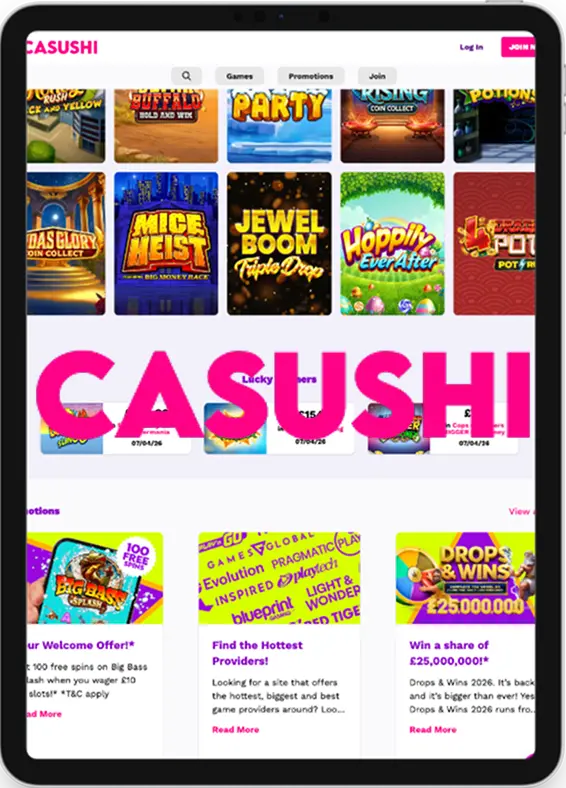
The PWA performance is slightly different from that of our native Casushi app, which is only available to iOS users. However, the gameplay quality is consistent across devices.
PWA Version for All Devices: A Flexible Mobile Option
The Casushi progressive web app is the most versatile option for all users. It can be installed on iOS and Android devices without the need for any extra space. The PWA also offers full functionality, meaning you don’t miss out on any service, game or promo that is available on our website. Additionally, when using our PWA, you don’t need any upgrades. Its low space consumption also makes it a favourite among many users who prefer our PWA to a native Casushi Casino mobile app.
Troubleshooting with Casushi Casino Mobile Version
Common errors you might encounter on the Casushi mobile app include:
- App not installed: If you can’t download the native app, then you might have storage issues. A quick way around this would be to free up storage or add our website as a progressive web app.
- Account login issues: If you can’t log in to your account, it might be due to wrong password entry. Check your password again before inputting. Don’t try random passwords, or it will lead to an account lock. Instead, just reset your password on the login page.
Casushi Casino Mobile Version VS Desktop Version
| Feature | Mobile | Desktop |
| Accessiblity | You can play games anywhere, any time via our casino app or browser | Requires a computer or a laptop |
| Screen size | Smaller screens, optimised for large tap and one-hand use | Larger screen with more visibility |
| Performance | Great for video slots | Better for table games |
| Updates | Native apps require regular updates | No updates required |
| Security | Allows biometric login like Face ID | Password-based security |
The Casushi app has nearly the same number of games as the PWA or website.
Casushi Mobile Login and Account Registration
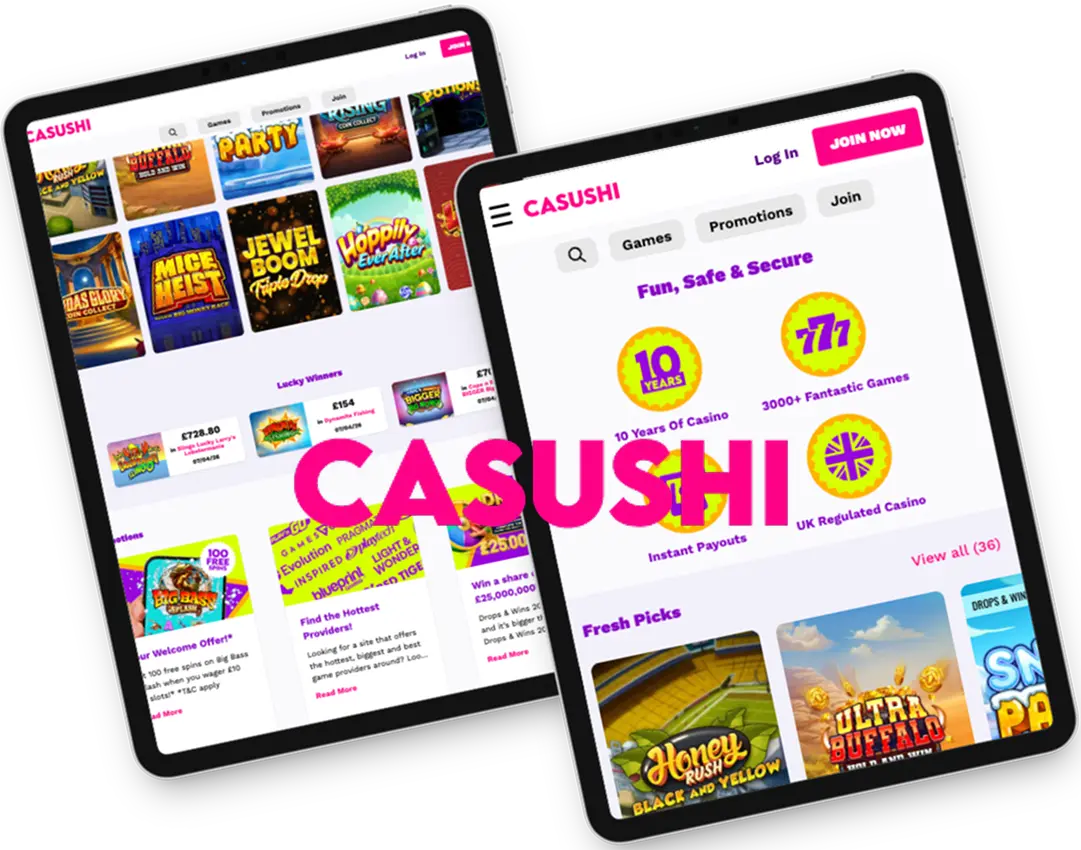
The registration and login process is the same across mobile and desktop devices. Additionally, KYC verification works smoothly on our Casushi app and website, taking 1-2 hours. A crucial step is to never try to open a second account if you can’t access your account. This is against our rules and will lead to permanent account deletion.
Bonuses for App Download
We don’t offer bonuses that come after downloading Casushi casino mobile. However, all players enjoy our standard desktop offers, which include a welcome offer of 100 FS credited to your account after a £10 deposit and wager on slots. You can unlock this bonus either on desktop or mobile. One advantage of using our mobile app is that you can turn on push notifications that help you stay up to date with any new promos.
Security and Safety for the Casushi Mobile App
We prioritise user safety by implementing the following measures.
- Advanced encryption that secures your data during each login. Strong privacy policies that stop us from sharing user data with third parties. KYC checks that comply with our anti-money laundering policies.
- For Casushi Casino app users, you can also turn on Face ID and Touch ID, adding an extra layer of security. One way to protect your account is to never save your password if you are using a public device. This will prevent unauthorised logins.